You found the perfect coloring page — now what? Printing sounds simple until the lines come out blurry, the colors look wrong, or the paper buckles under markers. This guide covers how to print coloring pages for crisp, clean results every time: the right settings, the right paper, and fixes for every common problem.
I’ll be honest: I learned most of this the annoying way. The first time I printed a stack for a birthday party, half came out gray and fuzzy because the printer was still on draft mode. The kids colored them anyway, but a crisp page just colors better — and once you know the four settings that matter, it takes ten extra seconds.
Everything below assumes a normal home inkjet or laser printer. No special equipment, no tech degree. Just the settings, the paper, and the little fixes that save a reprint.
Quick Start: Print in 60 Seconds
If a kid is standing next to you tapping their foot, skip the details and do this:
Step 1. Open the PDF (not the JPG preview) — PDFs print sharper than images.
Step 2. In the print dialog, set paper size to US Letter (or A4 outside North America) and orientation to Portrait.
Step 3. Set quality to Best/High and scaling to Actual Size or 100% — never “Fit to page,” which can distort lines.
Step 4. Print one test page, check the lines are crisp, then print the rest.
That’s the whole system. The test page is the part people skip — one sheet now beats twenty blurry ones later.
Choosing the Right Paper
Paper matters more than the printer. A ten-dollar pack of the right paper improves your prints more than any setting ever will.
Standard Printer Paper (80 GSM)
Perfect for crayons and colored pencils — the everyday choice. Cheap, available everywhere, and fine for 90% of coloring. This is what lives in our printer tray by default.
Thick Paper or Cardstock (160–200 GSM)
The upgrade that matters most for markers. Thick paper prevents bleed-through so kids can color both sides or use markers freely. If your child loves markers, this is the single best investment you can make.
It costs more per sheet, so I keep a small stack beside the regular paper for marker days. If your printer has a cardstock setting, use it.
Matte Photo Paper
For finished display pieces — birthday decorations, gifts, wall art. Colors look richer and the page feels premium. I wouldn’t use it for everyday coloring (too pricey, and crayons feel weird on the coating), but for the one page going in a frame or on a birthday card, it’s lovely.
Printer Settings That Actually Matter
Print dialogs are full of options you’ll never touch. Here are the only ones that change how a coloring page looks.
Quality: Best, not Draft. Draft mode saves ink but produces fuzzy lines — terrible for detailed designs like mandalas. Check this setting every time; printers love to reset it on their own.
Color vs. Black & White. Coloring pages are black line art — print in black and white (grayscale) to save color ink. The lines are pure black either way, and this can double the life of your color cartridge.
Scaling: 100%. “Fit to page” shrinks the design and can add margins that cut details. Actual size keeps every line where the artist drew it. If a page prints small with a wide white border, this setting is the culprit.
Paper type setting. If your printer asks, match it to your paper (plain, thick, photo). This adjusts ink density and prevents smudging. It’s the setting most people ignore, and the one that fixes mysterious smears.
Fixing Common Printing Problems
Something wrong? It’s almost always one of these five. Each fix takes about thirty seconds.
Lines look blurry or pixelated
You probably printed the JPG preview instead of the PDF. Download the PDF version — it contains crisp lines at any size. The JPG looks fine on screen but falls apart on paper, especially on detailed pages.
Page printed too small with big margins
Scaling was set to “Fit” or “Shrink.” Change it to “Actual Size” / 100% and reprint. This is the most common printing complaint there is, and the fix is the same two clicks every time.
Markers bleed through the paper
Switch to cardstock (160 GSM+) or place a scrap sheet behind the page. Also check your printer’s paper-type setting — if the printer thinks it’s feeding plain paper while you’ve loaded cardstock, the ink goes down wrong.
Black lines look gray or faded
Your ink cartridge is low, or the printer is in economy mode. Replace the cartridge or switch quality to Best.
Printed sideways or cut off
Orientation mismatch — set it to Portrait for standard coloring pages and check print preview before printing. Ten seconds in print preview saves you from the dreaded half-page print where the dinosaur is missing its head.
Printing Tips for Teachers and Classrooms
Print in batches. Queue 20–30 copies and let the printer run — faster than re-opening the dialog each time. Most print dialogs let you set the copy count right there; use it.
Use draft mode for tests only. Final classroom copies deserve Best quality; lines must be crisp for young eyes. Draft is fine for checking that the right file loaded, then switch to Best for the real run.
Keep a “printing station” folder. Save your most-used PDFs in one folder so any teacher or parent volunteer can reprint without hunting. Name files clearly — “dinosaur-coloring-page.pdf” beats “download_final2.pdf” when a volunteer is in a hurry.
Print a few extras. There’s always one kid who finishes early and wants another, one who spills juice on theirs, and one who wants to take two home. Five extra copies cost almost nothing and save the day.
Turning Printed Pages into a Coloring Book
Here’s a trick my kids love: make a real book instead of loose pages. Print single-sided, staple the left edge twice, add a cover your kid designs — suddenly it’s their book, not a stack of printouts.
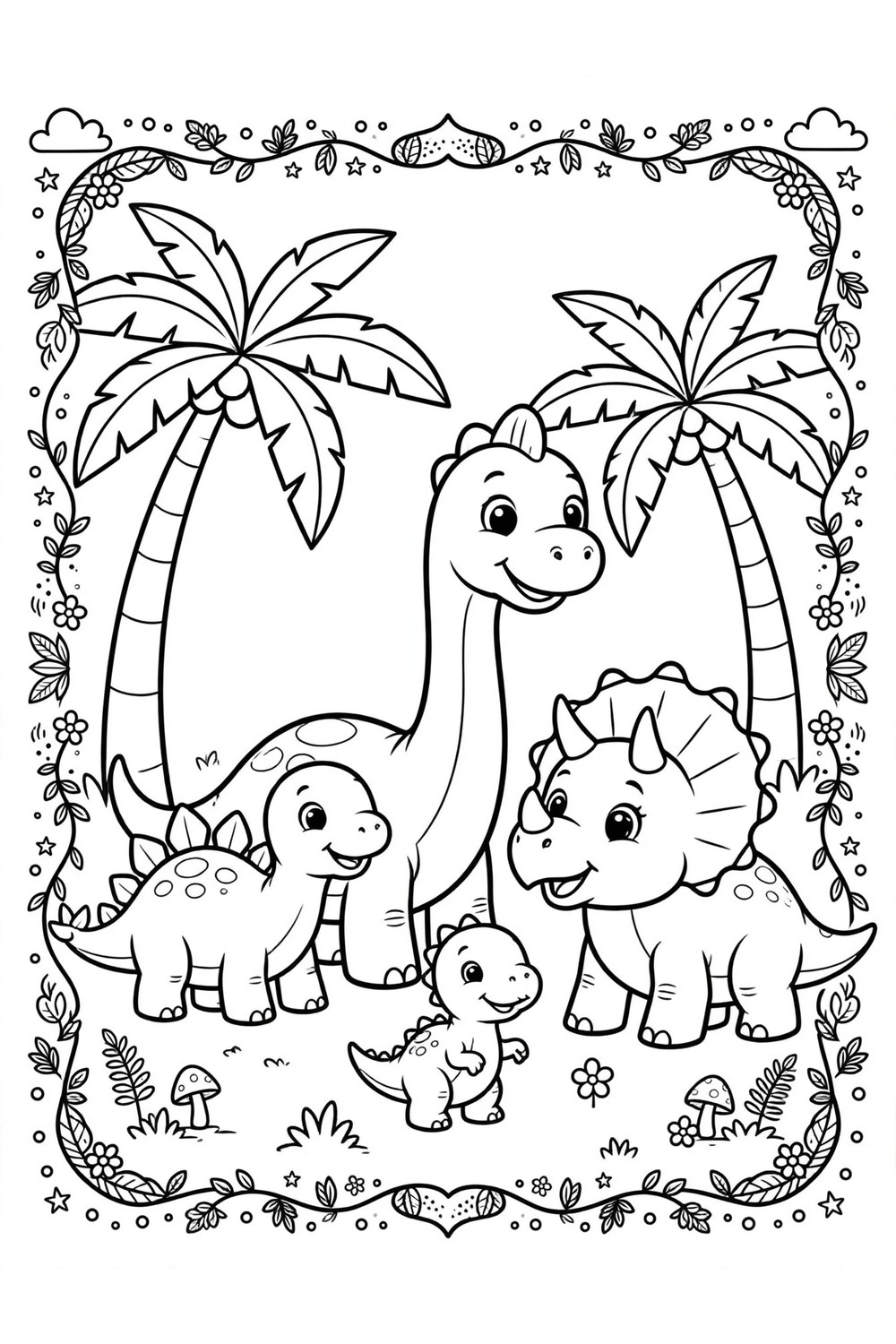
Homemade Dinosaur Coloring Book Cover
This is what a printed cover looks like on regular home paper — crisp lines, bold shapes, ready to color. Print the cover on cardstock so it survives little hands, then let your kid color it first. A homemade book gets treated like treasure; a loose stack gets treated like recycling.
One book plus one crayon pack is also perfect for car rides — no loose pages escaping under the seat.
Frequently Asked Questions
Should I print coloring pages in color or black and white?
Black and white (grayscale). The designs are black line art, so color ink adds nothing — grayscale gives identical lines while saving your color cartridge. Your kid provides the color; that’s the entire point.
What is the best paper for printing coloring pages?
Standard 80 GSM paper works for crayons and pencils. For markers, use 160 GSM cardstock to prevent bleed-through. For a page going on the wall or into a gift, matte photo paper looks best.
Why do my printed coloring pages look blurry?
Almost always one of two causes: printing the JPG preview instead of the PDF, or printing in Draft quality mode. Switch to the PDF at Best quality and the lines will be sharp.
Can I print coloring pages at a library or print shop?
Yes — save the PDF to a USB drive or email it to yourself. Most libraries charge a small per-page fee, and print shops can do cardstock and larger sizes. A print shop is also the answer if you want a whole coloring book bound properly.
Can I print on both sides of the paper?
You can, but I don’t recommend it for kids’ coloring. Ink shows through standard paper, and markers definitely will. Single-sided is the way — the blank backs are perfect for doodles anyway.
My printer is really slow. Is something wrong?
Probably not — Best quality mode just prints slowly. If you’re printing 30 copies for a classroom, start early and let it chug.
Letter or A4 — does it matter?
Use whichever matches the paper in your tray: US Letter in North America, A4 almost everywhere else. The designs fit both. Just make sure the print dialog’s paper size matches what’s actually loaded, or you’ll get cut-off edges.
You May Also Like
Now that you can print perfectly, grab some pages: